Pin It

Showing posts with label AR Flashcards. Show all posts

Thursday, 12 June 2014

Augmented Reality Alphabet Book


This is our Augmented Reality Alphabet Book!  We think it is very cool!  We have been working with the AR Flashcards app a lot this year!  This book is a compilation of a lot of work!


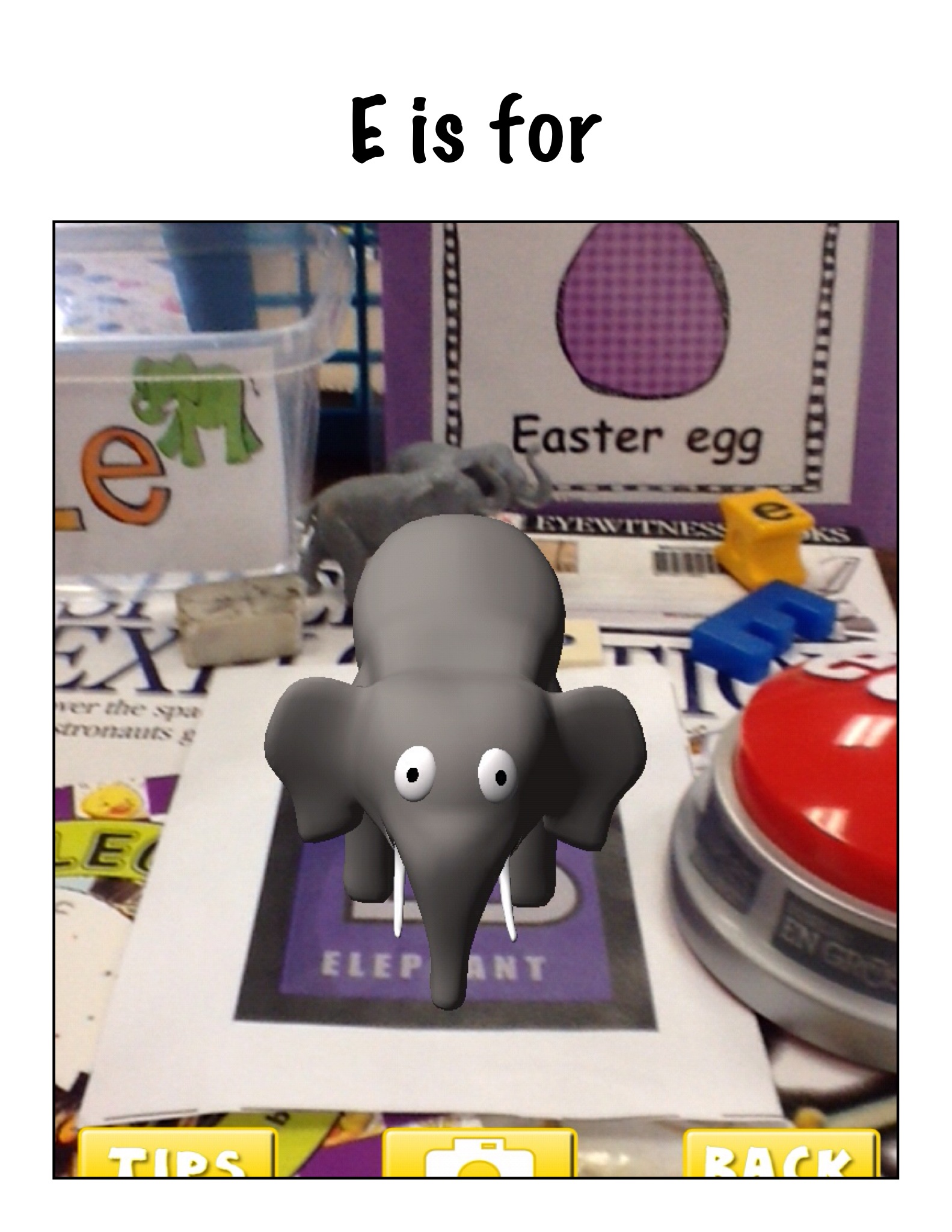
The children each choose a letter of the alphabet and then scoured the room looking for items that begin with their letter's sound.
P is for

b3 is for

Once they had a good collection of items we arranged them around the trigger picture for that letter in the AR Flashcards app!  Then we opened up the app and took the picture of their collections when the trigger was activated!   Very cool!
alphabet 8
Then we used the Strip Designer app to import the pictures to create a page for each alphabet letter.  We wanted to make an alphabet book to share with the kindergarten class!
H is for
We made a variety of pages using these pictures.  We made pages with the trigger picture and other pictures using Doodle Buddy as well as taking pictures of items in the classroom or the school!  Once the students got started they wanted to make more than one!
s5

s3

G is for

s4
Then we decided that we needed the label the objects in our pictures.  We used the text function in Strip Designer to add the captions to our pictures.
f

r
Then we took all the pages and imported them into another app called Explain Everything!
y
After we had the book put together with all the pages we had to record our voices on each page.  Each student recorded their page!
g
Once the book was complete we saved it to the camera roll!
Then we watched and listened to our book!  Too cool!
I uploaded the book to my channel on Youtube so we can share it with everyone!  We think we might have made the very first Augmented Reality alphabet book!
Way too much fun!


Sunday, 10 November 2013

AR Dinosaur Fun!


We are having a lot of fun with Augmented Reality this week!  We worked with the Augmented Reality cards for dinosaurs that I downloaded with the AR Flashcard app on our iPads.  It is really cool!

You print off the cards with a color printer.  These particular cards came with the AR flashcards for the alphabet that we blogged about on my classroom web site a few weeks ago!  Once you have the cards all you have to do is activate the app and then hold the iPad over the picture.  Magic happens!  A 3 D image of the dinosaur appears!

If you tap the screen, a child’s voice says the name of the dinosaur.  I thought you had to hold it over only one card at at time but the children discovered that they could get all the dinosaurs at once by putting the cards closer together! 


 Even our principal gave it a try!  

We have already played with the AR Flashcard app for the Alphabet.  

The app is called AR Flash Cards.  AR is short for Augmented Reality.  It is a fantastic app!  I printed off the Alphabet cards on my color printer at home.  Then I cut them apart.  I had already downloaded the app.  You basically open the app, place the ipad over the card and wait a little bit.  Magic happens!!


A three dimensional animation of the animal on the alphabet card appears on the screen.  When you touch the screen the audio component can be heard.  It tells the child the name of the letter and the animal!
I was able to let all the children see the magic at the same time using the projector and the special adapter cord I have for the iPad.  Later, the children used the iPads independently to try it out by themselves.
I wish I could have taped the looks on their faces when the first animation appeared!
The alphabet cards are really neat and I know we will get a lot of use out of them!  They were free!  Very easy way to get students interested in alphabet skills!  We will be having lots of fun with alphabetizing, letter sounds, spelling practice, and so on with this app!

There are more cards coming soon but they have a cost attached.  I think they will be worth it! 

We also worked with another augmented reality app I have discovered.  It is called CoLAR Mix.
I was a bit sneaky!  I had the children color a special coloring page that I had downloaded for them.  I told them if they did a really good job we would do something really cool with it!

After they finished coloring, I loaded this app and just held the iPad over their coloring.  The look of their faces was priceless!  


We started a new theme this week!  Can you guess?
We started off with a mini research report about dinosaurs.  Specifically apatosaurus!  I prepared a small list of facts about apatosaurus that we read together and sorted into different categories!  They were What They Look Like, What they Eat, About the Babies, and Cool Facts.  We read the facts together and as we read them we applied a code to the facts.  L for What They Look Like, E for What They Eat, B for About the Babies, and C for Cool Facts.  The children thought they should all be cool facts!


Then they cut out the facts and glued them to the appropriate page.


Then I staple them into the covers I had premade for them.  They attached the head and drew a face and had a funky dinosaur report to display!  


Lots of dinosaur fun!